

What You’ll Do
- Add a Fiat Account.
- Convert a stablecoin to USD and transfer the funds to a bank account.
Before you begin
Requirements
- A verified Paxos account
- A Treasurer role with the required permissions.
Supported Stablecoins and Networks
| Asset | Supported Network |
|---|---|
| USDG | Ethereum, Solana |
| PYUSD | Ethereum, Solana, Arbitrum, Stellar |
| USDP | Ethereum |
| USDC | Ethereum, Solana, Base, Polygon |
➊ Add Fiat Account
Before you can redeem stablecoins, you need to add a fiat account in the Paxos Dashboard.- Go to the Dashboard > Fiat Accounts
- Click + Fiat Account in the top-right corner.

- Select a network.
- Enter account details.
- Fill in recipient details.
- Enter a mailing address.
- Click Save.
➋ Redeem Asset
- Go to the Dashboard and click Convert in the top-right corner.
- Select the Asset to redeem.
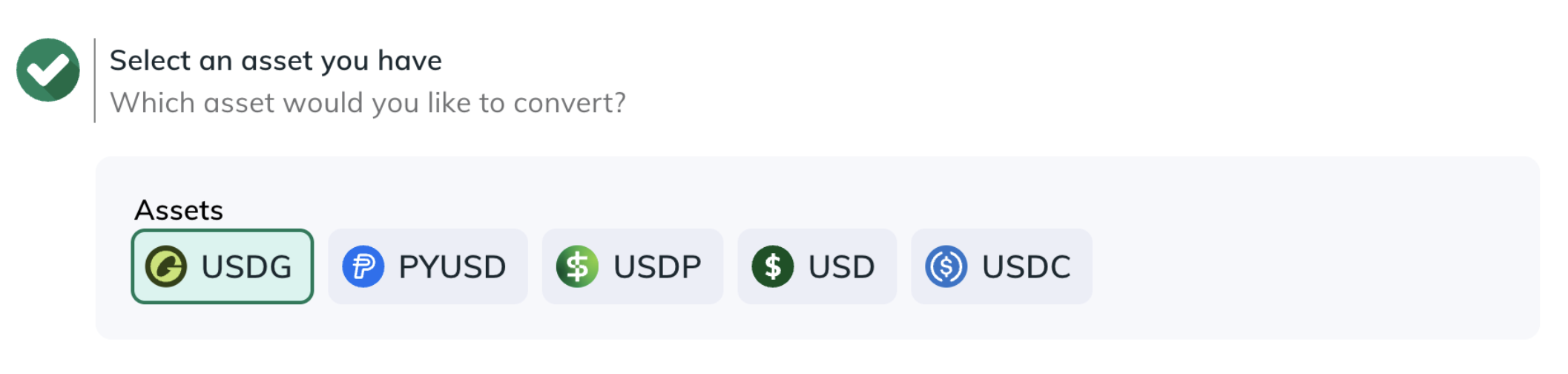
- Choose the Source where the asset is located (a Profile or External Account/Wallet).
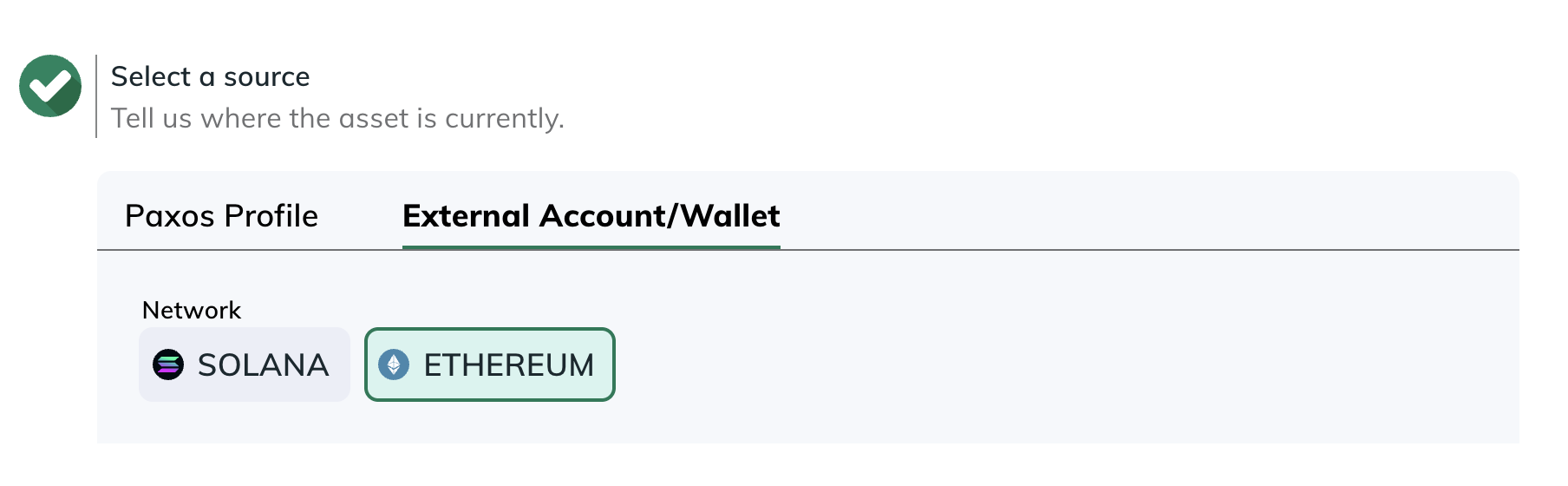
- Select the Asset to receive.
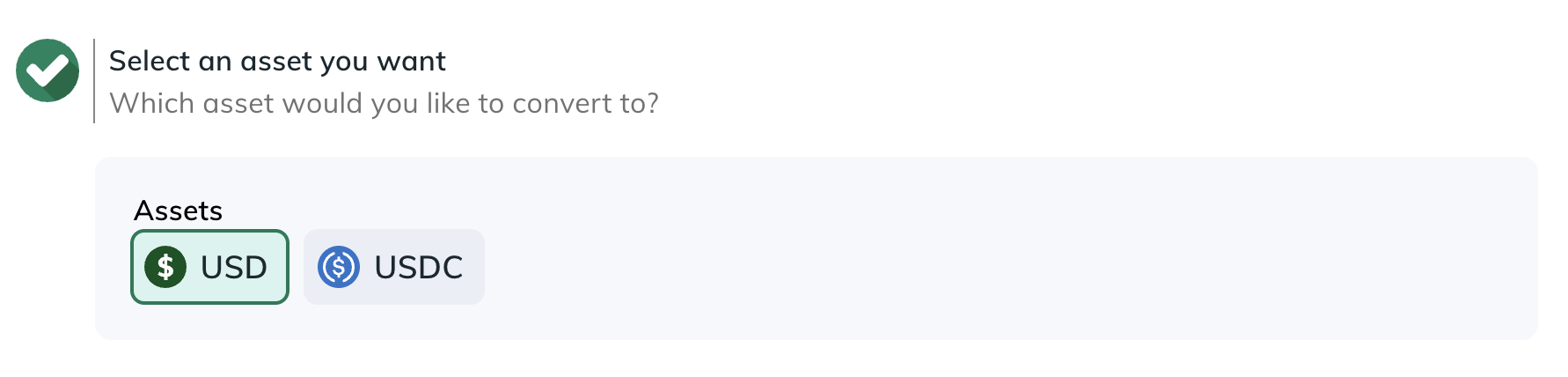
- Choose the Destination where the converted asset should go (a Profile or an External Account/Wallet).
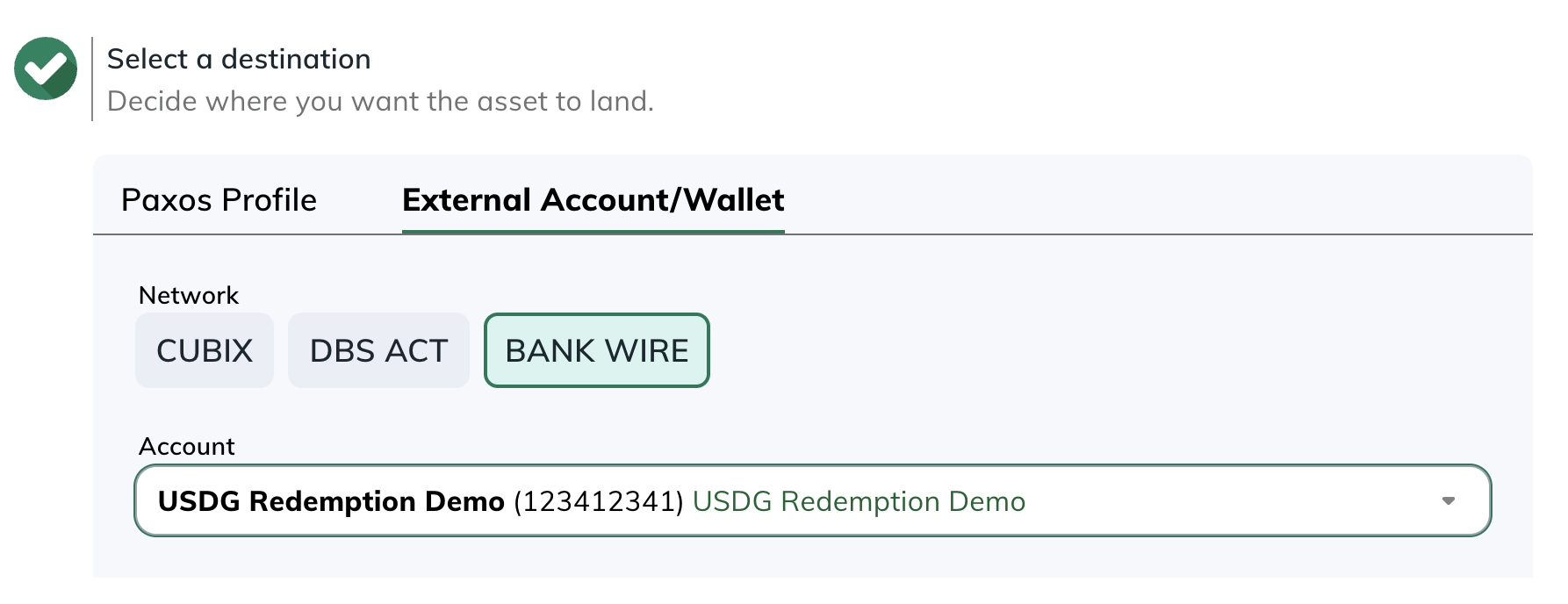
- Go to Transactions > Asset Movements or Transactions > Conversions to monitor activity.